
HD profile picture
See any profile picture in full HD.
Instagram hides avatars behind a tiny, low-res circle. Seenless pulls the full-resolution profile photo and saves it to your camera roll in one tap.
Full resolution · No login · Free to start
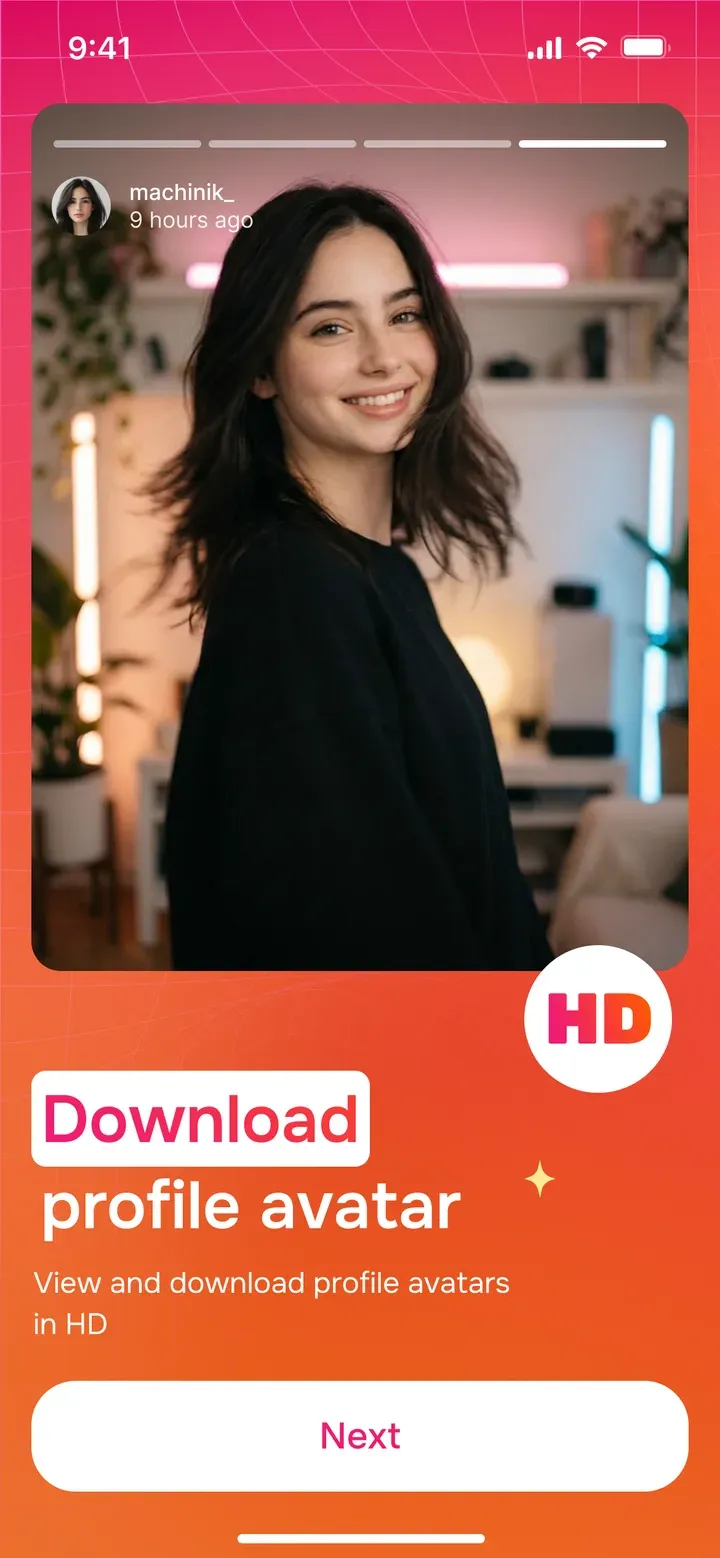
Seenless is an Instagram profile picture downloader for iPhone, iPad and Mac. Type any public username and see the avatar at full size — then download the high-resolution image straight to your camera roll. No more squinting at a 150-pixel circle.
Full resolution
Get the original high-res profile photo, not the cropped thumbnail Instagram shows in the app.
Zoom in first
Open any public profile picture at full size before you decide to save it.
One-tap save
Download the avatar to your camera roll instantly — no login for public accounts.
Grab it before it changes
Save a profile photo in HD before someone swaps it out.
How it works
- 1
Type the username
Enter any public @username into Seenless — no link needed.
- 2
Open the avatar full-size
See the profile picture at full resolution instead of the tiny circle.
- 3
Save in HD
Tap download and the high-res image lands in your camera roll.
Questions, answered
Can I download someone's Instagram profile picture in HD?
Yes. Seenless pulls the full-resolution avatar for any public account and saves it to your camera roll.
Will they know I viewed their profile picture?
No. Viewing and saving a public profile photo does not notify the account or show up anywhere.
Why is Instagram’s profile picture so small?
Instagram only displays a low-resolution circle in the app. Seenless fetches the original, larger image behind it.
Does it work for private accounts?
Profile pictures of public accounts work with no login. For private accounts you follow, an optional on-device login is needed.
More Seenless tools
Watch anything. Leave nothing.
No login. No sign-up. No one will ever know you were here.
iPhone, iPad & Mac · Free to start · Ages 13+